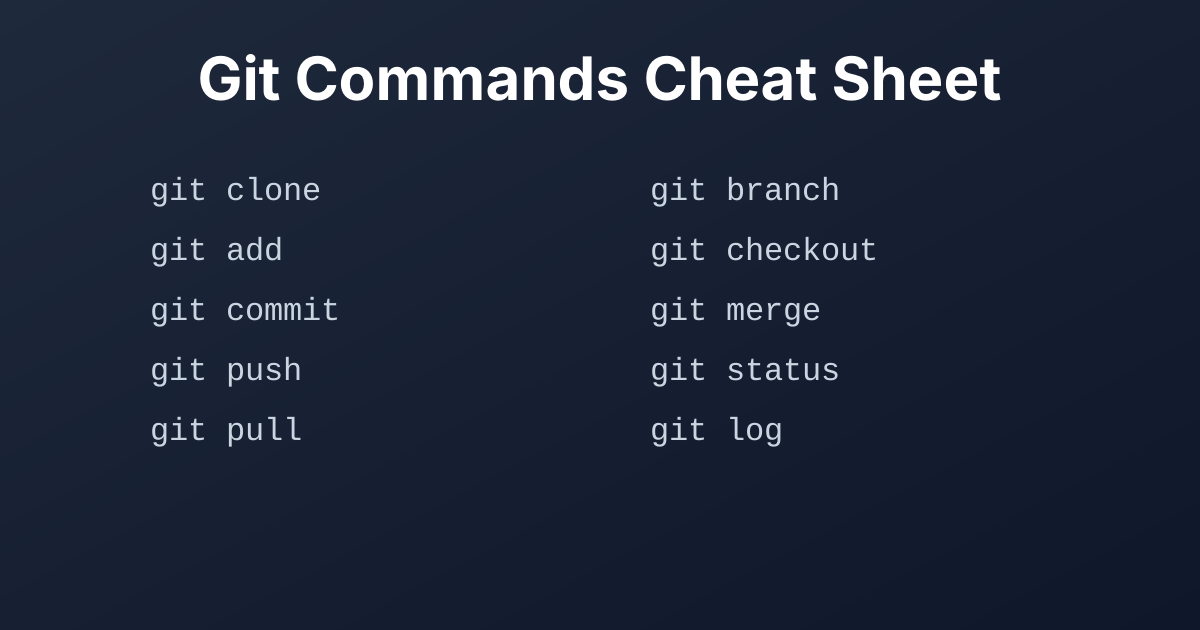
Git is an essential tool for modern software development, enabling efficient version control and collaboration. This cheat sheet provides a quick reference to the most commonly used Git commands, organized by function.
Related: Check out our Docker Cheat Sheet for container commands and HTTP Headers Cheat Sheet for web development.
Configure your Git installation.
| Command | Description |
|---|---|
git config --global user.name "[name]" | Sets the name you want attached to your commit transactions. |
git config --global user.email "[email address]" | Sets the email you want attached to your commit transactions. |
git config --global --edit | Opens the global configuration file in a text editor for manual editing. |
git init [repository name] | Initializes a new local Git repository. |
git clone [url] | Downloads a project and its entire version history from a remote repository. |
Manage changes to your files.
| Command | Description |
|---|---|
git status | Lists all new or modified files to be committed. |
git add [file] | Snapshots the file in preparation for versioning. |
git add . | Stages all current changes in the current directory. |
git reset [file] | Unstages the file, but preserves its contents. |
git diff | Shows file differences that have not yet been staged. |
git diff --staged | Shows file differences between staging and the last file version. |
git commit -m "[descriptive message]" | Records file snapshots permanently in version history. |
git commit --amend | Amends the most recent commit. |
Work with branches.
| Command | Description |
|---|---|
git branch | Lists all local branches in the current repository. |
git branch [branch-name] | Creates a new branch. |
git checkout [branch-name] | Switches to the specified branch and updates the working directory. |
git checkout -b [branch-name] | Creates a new branch and switches to it. |
git merge [branch-name] | Combines the specified branch’s history into the current branch. |
git branch -d [branch-name] | Deletes the specified branch. |
Collaborate with others.
| Command | Description |
|---|---|
git remote -v | Lists all currently configured remote repositories. |
git remote add [shortname] [url] | Adds a new remote Git repository as a shortname. |
git fetch [shortname] | Downloads all history from the remote repository. |
git pull [shortname] [branch] | Fetches and merges the specified remote branch into the current branch. |
git push [shortname] [branch] | Uploads all local branch commits to the remote repository. |
git push [shortname] --all | Pushes all local branches to the remote repository. |
Inspect repository history.
| Command | Description |
|---|---|
git log | Shows the commit history for the current branch. |
git log --follow [file] | Shows the commit history for a file, including renames. |
git log --oneline | Shows the commit history in a condensed, one-line format. |
git blame [file] | Shows who changed what and when in a file. |
Revert and reset changes.
| Command | Description |
|---|---|
git reset [commit] | Undoes all commits after [commit], preserving changes locally. |
git reset --hard [commit] | Discards all history and changes back to the specified commit. |
git revert [commit] | Creates a new commit that undoes all of the changes made in [commit], preserving the history. |
git checkout -- [file] | Discards changes in the working directory for a specific file. |
Temporarily save changes.
| Command | Description |
|---|---|
git stash | Temporarily stores all modified tracked files. |
git stash pop | Restores the most recently stashed files. |
git stash list | Lists all stashed changesets. |
git stash drop | Discards the most recently stashed changeset. |
This Git cheat sheet covers the most important and frequently used commands. For a more in-depth look at what Git can do, check out the official Git documentation.
A comprehensive cheat sheet for Docker commands. Learn how to manage Docker images, containers, networks, volumes, and Docker Compose with this handy reference guide.
A comprehensive cheat sheet for common HTTP headers. This guide covers request, response, representation, and security headers with examples.
Find the most popular YouTube creators in tech categories like AI, Java, JavaScript, Python, .NET, and developer conferences. Perfect for learning, inspiration, and staying updated with the best tech content.

Get instant AI-powered summaries of YouTube videos and websites. Save time while enhancing your learning experience.
